Merge PDF Online Free - Combine Multiple PDF Files in Seconds
A practical guide for combining scattered PDF files, scanned pages, invoices, and attachments into one clean document without turning the task into a mini project.
Written byRinkeshMay 2026Last updated4 minRead time
Merge PDF guideBrowser workflow
On this page
Why people use a Merge PDF tool
Kabhi invoice alag hota hai, scanned pages alag, ID proof alag, aur attachment kisi old folder me pada hota hai. A merge PDF tool is useful because it cleans that mess quickly.
Sometimes the issue is not the PDF itself. It is the mess created after downloading multiple files separately and then trying to remember which one should go first.
Sometimes the hardest part is just keeping PDFs in the right order. A simple merge flow removes that tiny bit of friction before it turns into a messy document folder.
Need the tool right away?Open the free PDF merger, upload your files, check the order, and download one clean PDF.
The best free Merge PDF tool is the one that does the basic job without making you fight the page. You should be able to add files, check the order, merge them, and leave with one clean PDF.
That is why ToolsLuv keeps the merge flow focused. It is not trying to be a heavy PDF editor. It is built for the normal workday moment where you just need to combine PDF files and move on.
A good merge PDF online tool keeps that whole job simple. You choose the files, organize PDF pages in the right order, and download one combined PDF. No heavy editor, no confusing export menu, and no guessing which file came first.
For most daily work, an online PDF merger should feel almost boring: select files, combine PDF files, download, done. That is exactly the kind of fast pdf merger workflow ToolsLuv is built around.
Invoices and receipts
Combine monthly records into one clean PDF before sharing or archiving.
Study material
Join notes, assignments, scanned pages, and reference sheets into one file.
Work documents
Prepare reports, forms, and attachments for clients or office submissions.
Who should use Merge PDF?
This is not only for office teams. A pdf combiner online is handy whenever small documents are scattered and you need to send one neat file.
Most people only realize they need a merge tool after ending up with invoices, scans, and attachments spread across downloads, WhatsApp, email, and one random folder on the desktop.
Students
Merge assignments, scanned notes, ID copies, and form pages before uploading to a portal.
Office work
Combine reports, approval pages, invoices, and receipts into one file before sharing.
Scanned docs
Merge scanned PDF pages when a scanner saves every page as a separate document.
Freelancers
Send proposals, invoices, contracts, and proof files as a cleaner single PDF.
Invoices
Group client bills, payment receipts, and monthly statements without making a folder full of attachments.
Mobile users
Merge PDF on mobile when you only need a quick document bundle from your phone.
Merge PDF online without upload
For simple PDF merging, ToolsLuv is built as a browser based PDF merger. That means the work is handled in the browser wherever possible, instead of sending every file through a server just to combine pages.
This matters when you are handling forms, scanned PDF copies, invoices, or client attachments. You still need to be careful with sensitive files, but a merge PDF without upload workflow is a cleaner starting point than random upload sites.
If you want an online PDF merger for normal documents, the safest habit is simple: use a secure PDF merge workflow, keep the original files, and check the downloaded result once.
Browser merge
Fast for daily document work, easy to repeat, and better for privacy-focused PDF combining.
Server upload tools
Can be useful for advanced conversions, but you should know where your files are going.
Secure browser-based PDF merger
A secure browser-based PDF merger is useful when you are working with files that do not need a full cloud workflow. For common paperwork, keeping the merge process inside the browser feels simpler and more private.
You still have to use common sense with sensitive documents. But for invoices, scanned forms, student submissions, and office attachments, a local browser merge is often the cleaner choice.
How to combine PDF files safely
To combine PDF files safely, start with the right files, check the order before merging, and open the final PDF once after download. That quick review catches most mistakes before you send the document anywhere.
01
Open Merge PDF
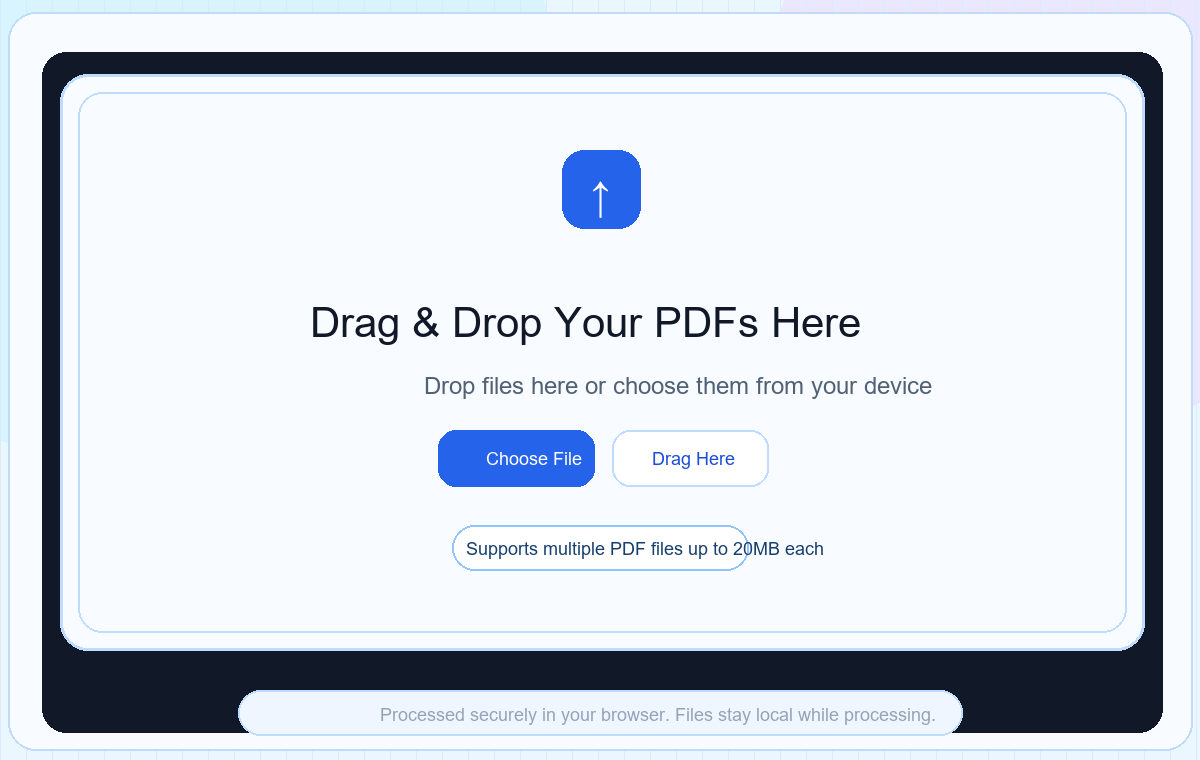
Open the free PDF merger and use the upload area to select your files. It should feel direct, not like opening a full PDF editor.
Upload screen: start with the Merge PDF upload area before choosing your files.02
Upload multiple PDFs
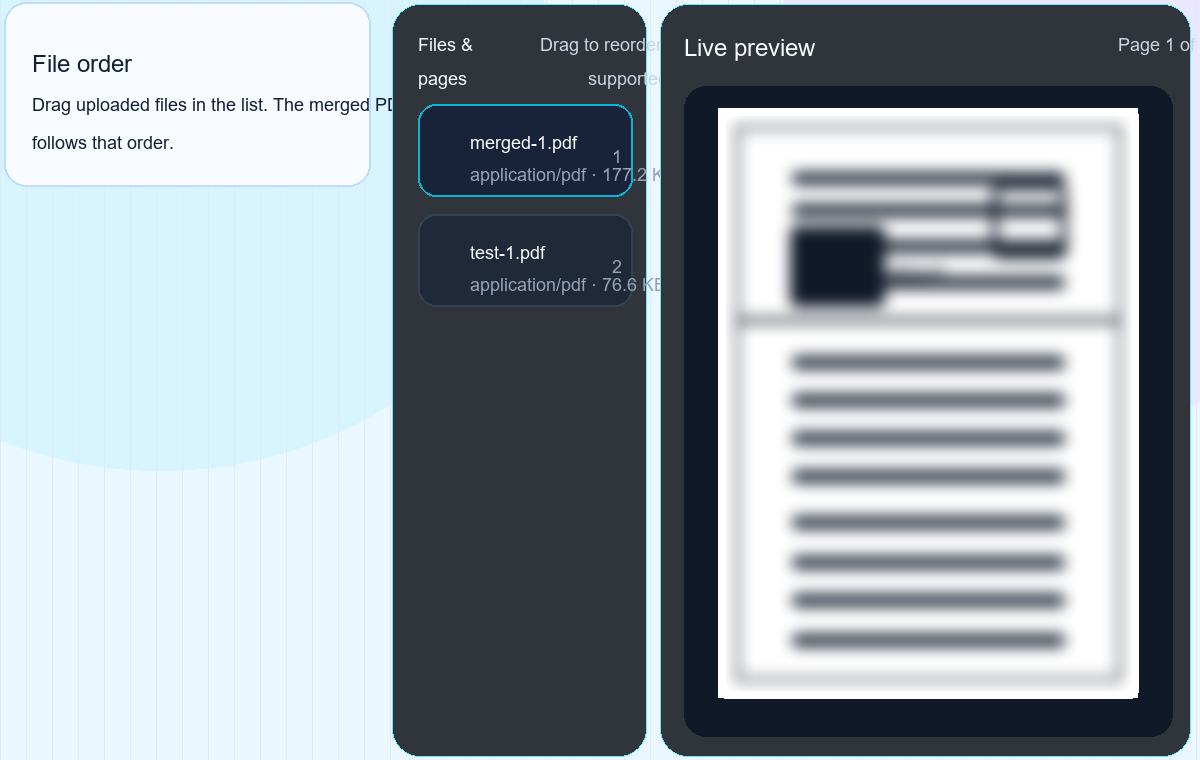
Choose the PDFs you want to join. Keep related files together, especially if you are trying to merge scanned PDF pages from a scanner app.
Upload list: check every PDF file before you merge, especially when documents have similar names.03
Check the order
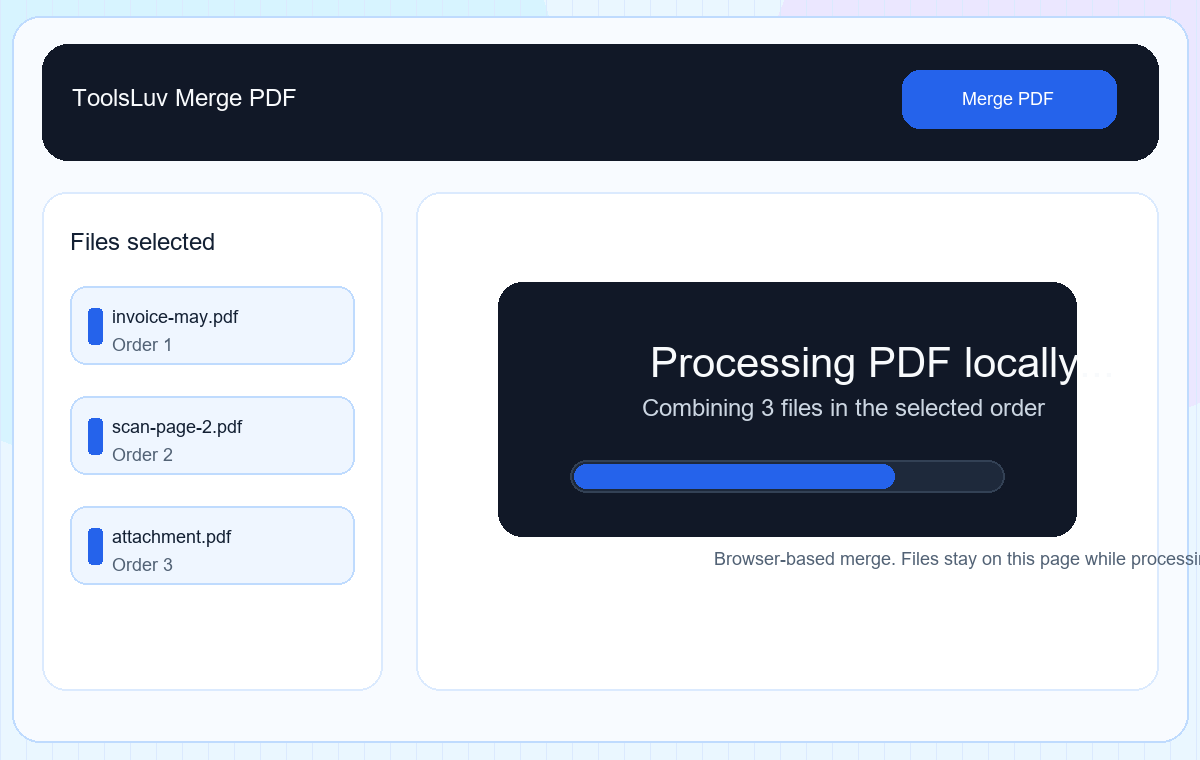
This is the step people skip. Make sure page one really comes first before merging, because file names can be misleading.
Processing screen: once the order looks right, ToolsLuv combines the selected PDFs in the browser.04
Merge and download
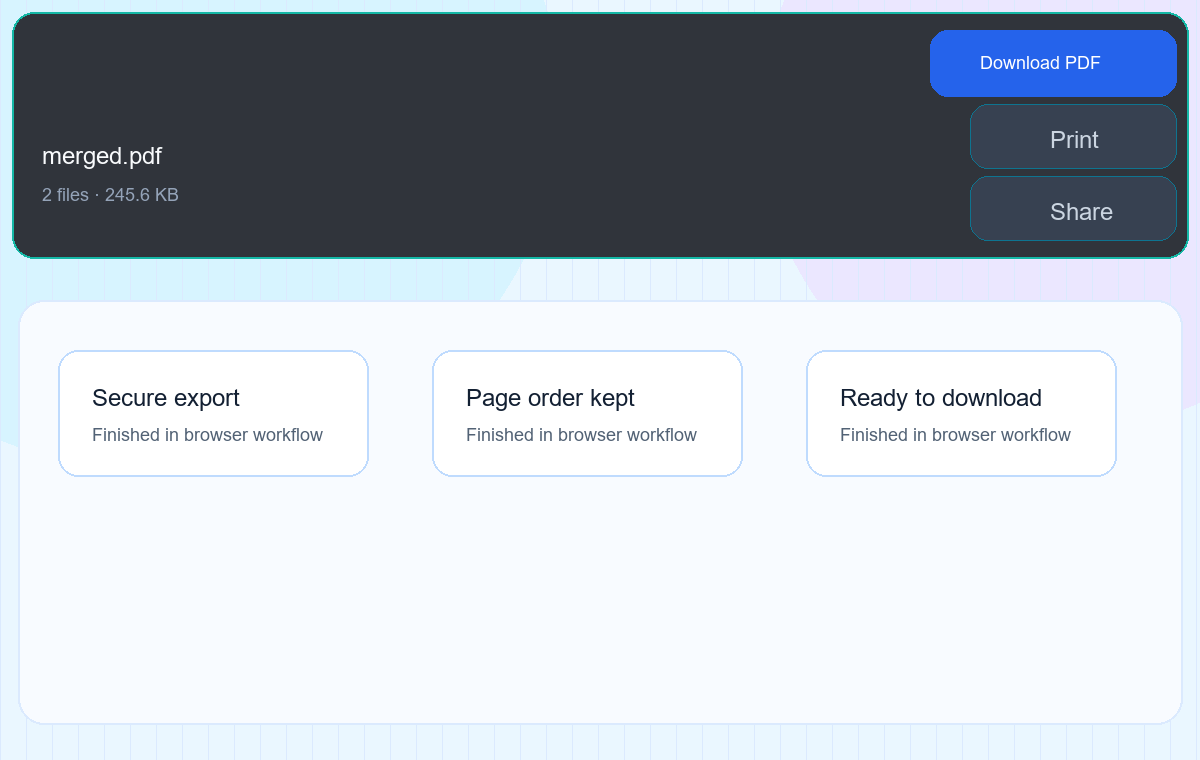
Run the merge, download the final PDF, and open it once before sharing. That one quick check saves awkward resend messages.
Download screen: save the merged PDF, then open it once to confirm the page order.
FileBest order
01-cover-letter.pdfFirst page
02-report.pdfMain document
03-appendix.pdfSupporting pages
Benefits of using ToolsLuv Merge PDF
The small details matter when you are dealing with documents. A free PDF merger should feel calm, clear, and predictable. ToolsLuv is designed around that kind of workflow.
People usually search for merge PDF free when they need to merge multiple PDF files quickly, not when they want a complicated editor. ToolsLuv keeps the online PDF merger experience focused on that one job.
After you combine files, you may also need to split PDF pages, reduce size with Compress PDF, or send an editable copy through PDF to Word. Keeping those steps close together makes the whole document workflow smoother.
Messy workflow
Open a bulky editor, import files, hunt for export settings, and hope the final order is right.
ToolsLuv workflow
Upload, review, merge, and download. The page stays focused on the job you came to finish.
Useful for quick office and student document work
No account needed for the basic workflow
Clean file ordering before creating the final PDF
Works well with other browser based PDF tools
Merge PDFs on mobile
You can merge PDFs on mobile when the files are already on your phone or saved from email, WhatsApp, Google Drive, or your downloads folder. The workflow is the same: choose files, check order, merge, then download.
For very large PDFs, desktop still feels smoother. But for two or three invoices, scanned pages, or form attachments, mobile merging is usually enough and saves the whole "send it to laptop first" step.
If the merged document is for a meeting or class presentation, you can also convert it later with PDF to PPT. It keeps the PDF workflow connected instead of making you hunt for another converter.
ToolsLuv vs desktop PDF software
If you only need to combine PDF files for a form, invoice, or report, a browser-based PDF merger can feel much lighter than opening a full desktop editor.
And if the merged file needs cleanup later, you can quickly use Split PDF to separate pages again or Compress PDF before emailing it.
FeatureToolsLuv Merge PDFDesktop PDF software
SetupOpen the page and upload filesInstall, update, and launch software
Best forQuick daily merge tasksAdvanced editing and long projects
SpeedFast for simple document batchesCan feel heavy for small jobs
Common mistakes to avoid
Uploading files in the wrong order
This is the classic one. A file named final.pdf is not always the last file. Check the order visually before you click merge.
Adding duplicate PDFs
If you upload the same file twice, it may appear twice in the merged PDF. It sounds obvious, but it happens when files have similar names.
Skipping the final preview
Open the merged file once after downloading. It takes a few seconds and can save you from sending the wrong document to a client, office, or upload portal. If someone asks for editable text later, use PDF to Word instead of rebuilding the document from scratch.
Pro tips for a cleaner PDF merge
Rename files before uploading: 01-cover.pdf, 02-form.pdf, 03-proof.pdf.
Remove blank scanned pages before merging if possible.
Use desktop for very large PDF batches. Mobile works, but big files can feel slower.
Keep the original PDFs until you confirm the merged version is correct.
If the final file is too large, open Compress PDF after merging.
Try it now
Merge your PDFs in ToolsLuv
Use the free PDF merger online and turn separate files into one clean document.
Yes. ToolsLuv lets you combine PDF files online for everyday document work without installing a desktop app. It is a practical merge PDF free option for quick files, forms, invoices, and scanned pages.
How to merge PDF online free?
Open the Merge PDF tool, choose two or more PDF files, review the order, click merge, and download the final file. That is usually all you need for a quick free PDF merge.
Will merging PDFs reduce quality?
Merging should keep the original PDF pages intact. The main thing to check is file order before you download the final document.
Can I merge PDF without losing quality?
Yes, merging PDFs normally keeps the original page quality because it combines existing pages instead of compressing or redesigning them.
Can I merge multiple PDF files at once?
Yes. Upload the PDFs you want to combine, review the order, and create one merged PDF. This is useful when you need to merge multiple PDF files from scans, invoices, or attachments.
How many PDFs can I merge at once?
For normal browser work, a small batch of PDFs is best. Very large batches can depend on your device memory, browser, and PDF size.
Is there a file size limit?
ToolsLuv shows upload guidance on the tool page. Large PDFs may take more memory in the browser, so desktop is usually smoother for heavy files.
Can I merge PDFs without uploading?
ToolsLuv is designed as a browser based PDF merger where possible, so the merge happens locally in your browser. That makes it useful when you want to merge PDF without upload for everyday documents.
Is my PDF stored on servers?
For browser-based merge workflows, the goal is to process files locally in your browser where possible. Always check the tool page notes before using sensitive files.
Is browser merge safer?
A browser based workflow can be safer for many simple tasks because your files do not need to travel through a random server queue. For very sensitive documents, still use your own judgment and check the page notes.
Is ToolsLuv a secure PDF merger?
ToolsLuv focuses on simple, secure PDF merger workflows with clear file order and clean downloads. For sensitive documents, avoid unknown upload sites and keep original files until you verify the merged result.
Does Merge PDF work on mobile?
Yes. You can merge PDF on mobile, though large PDFs usually feel smoother on desktop. On mobile, keep files smaller and close extra browser tabs if the page feels slow.
Can I merge PDFs on mobile?
Yes. Open the tool in your phone browser, select PDFs from Files or Downloads, check the order, and download the merged PDF.
Can I merge password protected PDFs?
Password protected PDFs may not merge unless the browser can read the file after unlocking. Remove protection only if you own the document or have permission.
Can I reorder PDF files before merging?
Yes. Always check the order before creating the final PDF because file names can be misleading.
What is the best PDF merger online?
The best PDF merger online should be fast, clear, privacy-conscious, and easy to use on both desktop and mobile. ToolsLuv focuses on that simple workflow.