
Compress Image to 40KB Online Free
Blog authors, business profiles, and website uploads often work best near 40KB.
Upload JPG, PNG, or WebP, resize to your layout width, compress in your browser, and download without a server upload.
Website and Blog Profile Photos at 40KB
Author bios, team pages, and personal blog profiles often work best near forty kilobytes. When you need to compress image to 40kb for a website profile, blog sidebar, or About-page headshot, resize to the width your theme displays — then compress in your browser with an instant preview before you publish.
Forty kilobytes is not a passport form cap — it is a web profile sweet spot between tiny avatars and full hero images. Match your theme column width before you chase the byte meter. Website themes often inject responsive srcset variants; exporting near forty kilobytes at the displayed width avoids serving oversized pixels to phones. Preview text overlays and product edges at one hundred percent zoom before you publish or attach to email. Most blog themes show author photos in a column between 280 and 400 pixels wide. Export at that width before you compress — camera-native resolution wastes kilobytes you could spend on sharper JPG or WebP settings. Team pages with six or eight headshots multiply that waste across every page view. After upload, hard-refresh the About page and check mobile layout; some themes crop circles differently than the CMS upload screen suggests. Newsletter bios reuse the same file — send a test message to yourself if a corporate gateway re-measures attachments.
Why Choose 40KB?
Forty kilobytes is a practical middle tier for website author photos, blog profile images, and personal site avatars — enough room for readable faces and shirt detail at 640 px width while keeping pages fast on mobile networks. It sits above strict form caps and below hundred-kilobyte CMS heroes.
- WordPress author boxes, Ghost profiles, and Substack avatars often recommend images near 40KB for quick directory loads.
- Personal blogs and portfolio About pages use forty kilobytes when they want sharper profile shots than 30KB membership tiers.
- Small business websites balance quality and speed — 40KB keeps author and team photos crisp without multi-megabyte uploads.
- Profile widgets on newsletter tools and link-in-bio pages compress poorly if you skip resize — forty kilobytes is a common target.
- You preserve more background and hair detail than 30KB avatars when visitors view your photo at full column width.
- Blog authors publishing on WordPress or Ghost often aim near forty kilobytes for inline images so posts load fast on mobile without soft hero text.
- Business profile pages on company sites use 40KB headshots so team grids stay sharp on retina screens without slowing the about page.
- Email newsletter tools embed images more reliably when inline photos sit near forty kilobytes instead of multi-megabyte camera exports.
- Learning platforms and documentation sites recommend lightweight screenshots near 40KB so help articles remain readable on slow connections.
When Do You Need a 40KB Web Profile Image?
Bloggers, freelancers with personal sites, small business team pages, and newsletter authors — anywhere a profile photo must look sharp without slowing the page. Bloggers, small business sites, documentation teams, and email newsletter authors worldwide compress toward forty kilobytes for inline photos. The goal is readable text and faces on desktop and phone without the delay of multi-megabyte heroes on slow mobile networks.
Typical File Sizes Before 40KB Compression
| Source | Typical size | What you need to do |
|---|---|---|
| Camera / phone export | 2—5 MB | Resize to 640 px for profile slots |
| Blog author JPG | 600 KB — 1.5 MB | Often lands near 40KB after one pass |
| LinkedIn export | 400 KB — 1 MB | Crop to square or portrait per theme |
40KB vs Other Website Image Tiers
Forty kilobytes fits website and blog profile photos — tighter than 100KB heroes, looser than 30KB membership avatars. Compare targets below if compress image to 40kb is not the right goal. Pick thirty kilobytes for tight profile caps. Pick forty for website, blog, and email inline images. Pick fifty for school and membership applications. Pick one hundred kilobytes for WordPress heroes and shop products when no strict cap is listed.
| Target Size | Common Use |
|---|---|
| 40KB | Blog and profile images |
| 50KB | Application photos |
| 100KB | CMS heroes |
| 200KB | Product listings |
30KB vs 40KB vs 100KB — Which Web Profile Cap Fits?
| Target | Best use | Visual quality | When to pick it |
|---|---|---|---|
| 30KB | Freelance and membership avatars | Thumbnail detail | Platform lists 30KB |
| 40KB | Blog author and site profiles | Sharper at column width | About page or author box |
| 100KB | Blog heroes and featured images | Full-width detail | Hero or featured image slot |
| 200KB | Marketplace and portfolio tiles | Product zoom detail | Listing not profile |
How to Compress Image to 40KB Online
Upload JPG, PNG, or WebP to compress image to 40kb online, resize to your profile slot width, and online in your browser — preview sharpness at the size your theme actually renders before you update your author or team page. Test the compressed image in your CMS preview and in a test email send before publishing a live post or campaign.
Check theme profile size
Note width for author box, team grid, or About page.
Crop to shoulders up
Plain background — no wide room shots.
Resize to ~640 px
Adjust if your CMS lists other pixels.
Set the 40KB target
Preview face and shirt detail at 100% zoom.
Choose JPG or WebP
Use WebP when your theme or CDN accepts it.
Upload to your site
Replace old profile — hard refresh if cached.
40KB Website and Profile Compression Tools
Resize to your layout width, preview quality, and download — for blogs, business profiles, and lightweight website images.
- Instant preview — see the 40KB result before you download.
- High quality controls — resize, crop, and tune compression without leaving the page.
- No upload to our servers — private, secure, browser-based processing on your device.
- Fast on mobile and desktop — works offline in your browser once the page loads.
- JPG, PNG, and WebP — pick the format your portal accepts.
- Unlimited free use — compress as many files as you need today.
JPG for 40KB Website Profile Photos
Blog and CMS profile slots expect JPG for photographic headshots at forty kilobytes — PNG for flat logos only.
Sharp at 640 px
Author and team photos stay readable.
CMS-friendly
WordPress, Ghost, and similar tools accept JPG.
Fast page loads
40KB profiles do not drag LCP on team pages.
Sample Portrait Result After Compressing to 40KB
Blog author profile photo optimized for a 40KB website About-page upload.
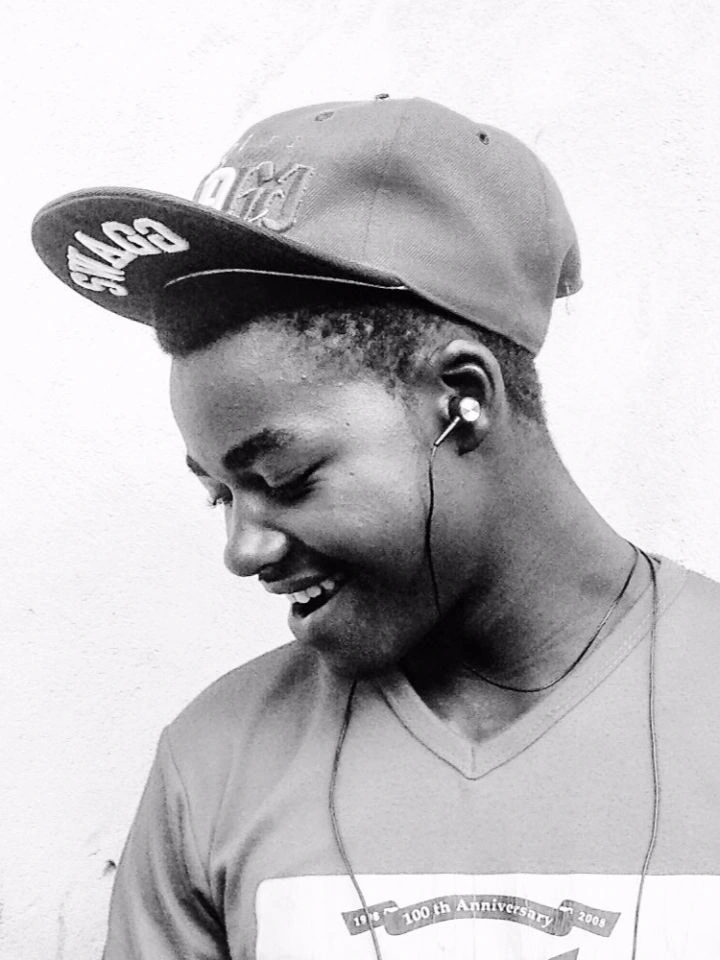
1.2 MB
Original Image
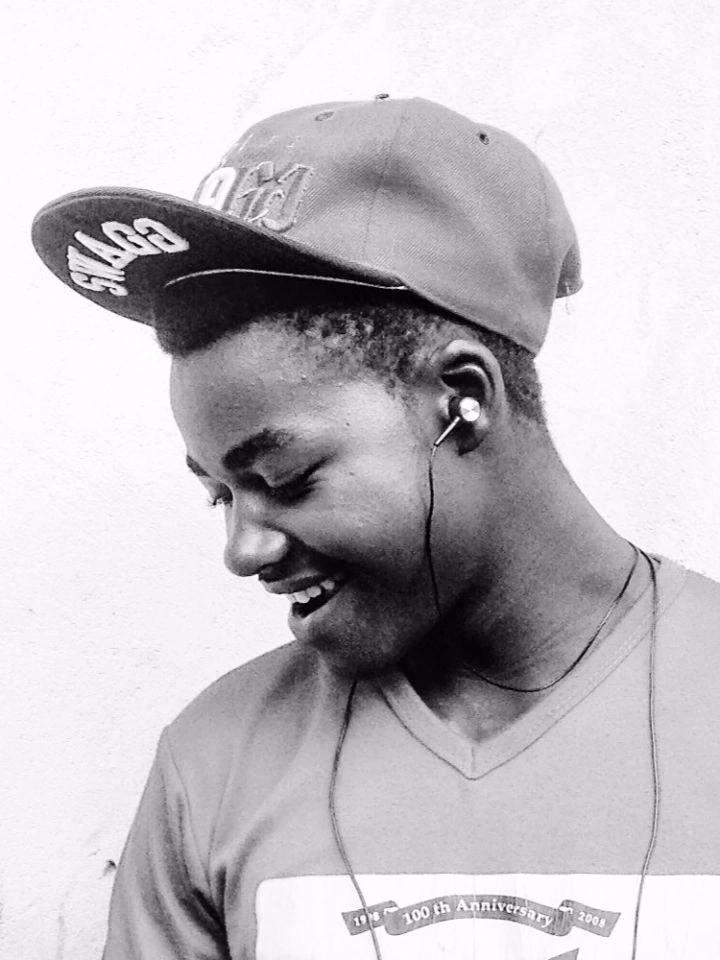
38.6 KB
Compressed Image
- Meets typical caps
- Faster submission
- Browser-private
JPG, PNG, WebP, and When Each Fits at 40KB
PNG
- Ink signatures on white paper
- Stamps and line drawings
- Logos needing transparency
Heads-up: Color PNG portraits often exceed 40KB unless resized aggressively.
WebP
- Modern web upload widgets
- Android-heavy portals
- Re-saving an already compressed shot
Why try it: WebP often holds sharper detail than JPG at the same byte count when your blog theme or CDN accepts WebP profile uploads.
PNG helps flat logos and UI avatars with transparency — photographic profile shots belong in JPG or WebP at forty kilobytes.
Website and Blog Quality at 40KB
Forty kilobytes preserves readable faces and shirt texture at profile column width — resize first if you need to compress image to 40kb without losing quality on the photo visitors see beside your byline. At forty kilobytes, blog heroes and team headshots stay readable on retina screens when you export at theme width first. Wide panoramas and full-page UI screenshots may need tighter crops or a higher cap like fifty or one hundred kilobytes.
Works well
- Author headshot
- Team portrait
Clear at profile column width.
Usually OK
- Light grain
- Soft gradient
Fine for blog sidebars.
Hard fit
- Wide group photo
Crop to one person.
Image Types at 40KB
| Image type | Expected result | Tip |
|---|---|---|
| Author portrait | Good detail | 640 px typical |
| Square avatar | Usually fine | Match theme crop |
| Team grid photo | Readable faces | Even lighting helps |
| Logo with photo | Use PNG for logo | JPG for face only |
| Wide scene | Poor fit | Crop to profile slot |
Three Habits for Cleaner 40KB Web Images
Is 40KB the Right Target for Your Profile?
Use this page when your blog, CMS, or personal site brief names forty kilobytes for author or team profile photos — not when a passport form asks for 20KB.
- WordPress author box — Theme recommends ≤40KB profile
- Blog About page — Profile feels slow with MB original
- Team page upload — CMS lists 40KB beside browse
- 30KB too tight — and you need sharper profile detail
- Newsletter bio — Inline profile cap at 40KB
Tips for Best 40KB Profile Results
Resize first, pick the right format, then compress — these habits help when you need to compress image to 40kb without losing quality on author and team photos your readers actually see. Match theme column width before compressing — exporting at camera native resolution wastes bytes you could spend on sharper JPG or WebP settings at forty kilobytes. Test newsletter sends to yourself; corporate gateways measure attachments differently from webmail.
Match profile slot width
640 px is common — check your theme docs.
Shoulders up only
Extra background wastes bytes.
Try WebP in CMS
Many modern themes accept WebP now.
Even exposure
Dark faces band when compressed.
Plain backdrop
Busy offices add noise.
Keep full-res archive
Publish the 40KB export only.
| Tip | Why it matters at 40KB |
|---|---|
| Resize first | Pixels drive file size more than the quality slider. |
| Use WebP when allowed | Same look, fewer bytes on modern blogs. |
| Crop empty margins | Profile slots rarely need full sensor frame. |
| Preview at column width | Check how the theme crops your upload. |
Compression Methods That Help at 40KB
| Method | What it does | When to use |
|---|---|---|
| Resize | Matches profile slot | Before compression — always |
| Crop | Removes unused frame | Author and team headshots |
| JPG export | Efficient for photos | Default for web profiles |
| WebP export | Better bytes per quality | When CMS accepts WebP |
Best Formats for 40KB Web Images
Pick format based on content and what your blog theme accepts — at forty kilobytes, the wrong format wastes bytes you could spend on sharper faces.
| Format | Typical original size | Ease at 40KB | Best use | Expected quality |
|---|---|---|---|---|
| JPG | 600 KB — 2 MB photo | Easiest | Author and team portraits | Good profile quality |
| WebP | 500 KB — 1.5 MB photo | Easy | Modern WordPress and Ghost | Sharp at same KB |
| PNG | 400 KB — 1 MB graphic | Moderate | Flat logo avatars | Sharp edges |
Website Profile Guidelines at 40KB
Every site writes its own rules — treat these as patterns from real forms, not promises.
| Portal type | Typical cap | Format | Notes |
|---|---|---|---|
| WordPress author profile | ≤40KB | JPG or WebP | Author box and sidebar |
| Blog About page | ≤40KB | JPG | 640 px typical |
| Team page headshot | ≤40KB | JPG | Plain or office background |
| Newsletter bio photo | ≤40KB | JPG | Inline profile slot |
| Ghost author image | ≤40KB | JPG/WebP | Profile and byline |
Common Mistakes When Compressing to 40KB
Uploading MB originals
Resize to profile width before compressing.
PNG for every photo
Use JPG or WebP for headshots.
Over-compression
Back off if faces look mushy.
Wrong aspect for theme
Square vs portrait — match sample.
Skipping preview
Zoom before you publish profile.
Private 40KB Compression — Fast Page Loads
You can online compress image to 40kb whenever a portal names that exact cap — private browser processing with no server upload.
Privacy & Security
Your file stays on your device. This free online tool does not send images to a server for 40KB compression — close the tab and the working copy is gone from the page.
Performance
Compression runs locally for fast results on phones and laptops. Optimized assets and browser-side encoding keep the page responsive without waiting on a cloud queue.
Website Performance Benefits at 40KB
| Factor | Large original | At ~40KB |
|---|---|---|
| File size | 2—8 MB typical | ~40KB |
| Mobile page load | Heavy on slow networks | Lightweight embed |
| Bandwidth per visitor | High data use | Lower hosting transfer |
| Core Web Vitals (LCP) | Large heroes delay paint | Faster largest-contentful-paint |
How the 40KB Website Compressor Works
Blog authors and small business teams publish profile photos that load quickly on mobile without looking soft beside their byline. Forty kilobytes is a practical web tier when your theme column is narrow and you still want readable eyes and shirt texture. Resize to the displayed width before you compress — exporting at camera resolution wastes bytes that could go toward sharper JPG or WebP settings. After upload, hard-refresh the About page and check both desktop and phone layouts; some themes crop circles differently than the CMS upload screen suggests. Newsletter tools reuse the same headshot — send a test message if a corporate gateway re-measures attachments. WebP often holds sharper detail than JPG at the same byte count when your CDN accepts it.
Privacy & Security
Your image stays on your device during compression. ToolsLuv does not store uploads on a server for this tool. Close the tab and the working copy is gone from the page.
Why Trust ToolsLuv
ToolsLuv builds browser-based image utilities with clear limits, open privacy practices, and free access. This 40KB compressor is maintained alongside our other image tools on toolsluv.com.
- No Upload — files are not sent to our servers for compression.
- Browser Processing — compression runs locally in Chrome, Safari, Firefox, or Edge.
- Secure Processing — no cloud copy is kept after you finish.
- Free Forever — no signup gate on this page.
FAQ — 40KB Image Compression
Can I compress exactly to 40KB?
Yes. Set the target to 40KB in the uploader, resize to the listed pixels first, preview the output, then download when the on-screen meter shows 40kb or less. Check file properties on disk before you attach — some CMS and email tools count kilobytes differently than the on-screen meter.
Why is my upload rejected at 40KB?
Common causes: the file is still above the cap, width or height does not match the help PDF, the format is wrong, or the orientation does not match the sample. Fix pixels first, then compress again rather than only lowering quality.
Will quality decrease at 40KB?
Some detail loss is normal at this cap. Author and team profile faces should stay readable at normal zoom — busy backgrounds soften first. Plain walls and tight crops preserve more detail than wide scenes.
Can I compress PNG to 40KB?
Flat graphics and ink on white PNG can fit when the portal allows PNG. Color PNG portraits usually stay above 40kb unless you resize aggressively — JPG is the safer choice for photographic uploads.
Can I compress JPG to 40KB?
Yes. Upload a .jpg file, resize toward the portal pixels if the preview still reads high, keep the 40KB target, and download when the meter passes. Export from your phone properly — do not rename HEIC to .jpg.
Can I compress JPEG to 40KB?
JPEG and JPG are the same format on most upload portals. Save as .jpg, match any listed pixel size, and compress toward 40kb. The preview shows the result before you attach it.
Does this work on mobile?
Yes. Pick a gallery photo in mobile Safari, Chrome, or Edge, crop and resize in the tool, compress toward 40KB, and download locally. If the portal rejects mobile uploads, retry from desktop when allowed.
Can I compress multiple images?
Process one file at a time in the browser. Download each result before starting the next — there is no batch queue, which keeps processing private on your device.
Is my image uploaded to your servers?
No. Encoding runs locally in your browser when supported. The working copy stays on your phone or computer — close the tab and it is gone from the page. We do not store uploads for this tool.
How accurate is the 40KB target?
The preview shows the output size before download. Most portals match what you see, but a few count KB in decimal versus binary — leave a small buffer if your form rejects files barely above 40kb.
Why is my image still above 40KB?
The crop is probably too wide or the format is inefficient for a color photo. Drop width by 20—50 px, remove empty margins, switch to JPG if allowed, then compress again.
Can I optimize a blog author photo to 40KB?
Yes. Resize to your theme profile width — often 640 px — crop shoulders up, prefer JPG or WebP when your CMS accepts it, preview at column width, then compress toward 40KB.
Can I reduce image size to 40KB without losing quality?
Resize to the form's listed pixels before you touch quality sliders — that preserves more detail than crushing a full-resolution export. Preview at 100% zoom before download.
Does WebP work at 40KB?
On modern portals, yes — when WebP appears in the upload dropdown. If only JPG is listed, do not submit WebP just because it looked sharper in preview.
What if my form allows a smaller cap instead?
Use our 30KB tool when that cap fits better.
What if my form allows a larger cap instead?
Try our 50KB compressor for more headroom.
What dimensions work for a 40KB photo?
Copy width and height from the help PDF or sample photo — every portal differs. KB alone is not enough if pixels are also capped.
Can I compress a PDF page to 40KB?
Export the page as JPG from your PDF reader or scan app, crop margins, resize width, then compress toward 40kb. The preview shows bytes before you attach.
Is this image compressor 40KB tool free?
Yes. Upload, compress toward 40KB, preview, and download with no payment or account. You can return whenever another portal names the same cap.
Can I compress exactly to 40KB for my upload portal?
Yes. Read the portal rules, crop and resize to their sample, use JPG unless PNG is required, preview at full zoom, then attach. Treat the official help PDF as the final authority on pixels and format.
Need a Sharp 40KB Profile Photo?
Return to your upload after you online compress image to 40kb above — preview instantly, download in seconds. No registration required.
Open uploader