Avoid the most common robots.txt errors that can block crawlers, waste crawl budget, and prevent important pages from being discovered.
10 mistakesReviewed clearlyAudit focusedProblem + fixFree toolBrowser based
Updated June 2026
Common robots.txt mistakes that can quietly damage crawl quality and organic visibility.On this page
Quick answer
Robots.txt mistakes usually happen when useful pages, CSS, JavaScript, or the whole site get blocked by accident. Review the live file, confirm the correct user-agent, include the sitemap URL, and test your important paths so search engines can crawl the parts of the site that actually matter.
Why Robots.txt Mistakes Matter
A bad robots.txt file can cause much bigger SEO problems than people expect. Search engines rely on crawl access to fetch HTML, CSS, JavaScript, and supporting resources before they can fully understand a page. If the wrong section gets blocked, the result can be weaker rendering, slower discovery, thin indexing signals, or missed updates across important URLs.
These robots.txt issues also waste crawl budget. Instead of helping crawlers focus on useful sections, a messy file can send them conflicting signals or keep them away from pages that should be refreshed often. On small sites, the damage may be subtle. On larger sites, robots.txt seo mistakes can affect whole templates, product groups, article folders, or assets used across the site.
The dangerous part is that most robots.txt errors do not look dramatic in the file itself. A line may appear harmless, but once it reaches production it can reduce visibility quietly for days or weeks. That is why a strong robots.txt audit should be part of normal technical SEO maintenance instead of something you only check after rankings fall.
Mistake #1: Blocking Important Pages
One of the most common robots.txt mistakes is blocking sections that search engines actually need to crawl. This often happens after a migration, redesign, or rushed cleanup when someone blocks a folder without checking which pages live inside it.
Type
Example
What it does
Bad example
Disallow: /services/
Blocks a key commercial section from crawling.
Better fix
Disallow: /search/
Blocks low-value internal search paths instead of revenue pages.
The SEO impact is simple: blocked pages can lose crawl access, internal links become less helpful, and updated content may not be revisited quickly. Fix this by auditing blocked folders one by one and confirming that every disallowed path is truly low value.
Mistake #2: Blocking CSS Files
Google needs CSS to understand layout, responsive behavior, and parts of how a page is rendered. If CSS is blocked, the crawler may see an incomplete version of the page and miss signals that help with usability analysis.
This is one of the more harmful robots.txt problems because the page itself may still load for users while search engines get a weaker view. The safest fix is to allow CSS directories unless there is a very specific reason not to.
Blocked CSS can stop search engines from fully understanding how a page is rendered.
Mistake #3: Blocking JavaScript Files
Blocking JavaScript can create rendering gaps, especially on sites that depend on client-side components, interactive sections, or script-loaded content. If important page elements rely on JavaScript and crawlers cannot fetch it, search engines may see an incomplete version of the page.
The fix is similar to CSS: review blocked asset folders and remove broad rules that stop crawlers from accessing essential scripts. If JavaScript powers navigation, product detail rendering, or structured content blocks, those files usually need to remain crawlable.
Mistake #4: Missing Sitemap URL
A missing sitemap line is not always catastrophic, but it is still one of the more avoidable robots.txt mistakes. When the sitemap URL is present, crawlers get a cleaner discovery path for important URLs without relying only on navigation or internal links.
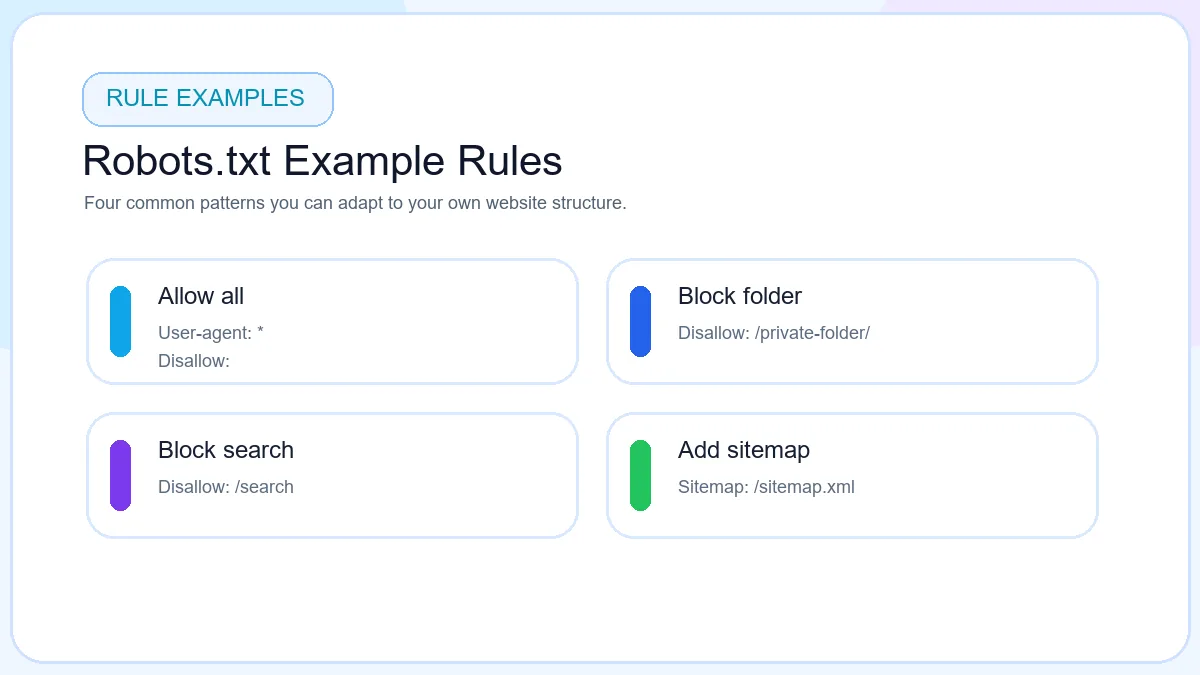
A simple fix is to add a line such as Sitemap: https://example.com/sitemap.xml to the live file. If you still need that file, create it with the XML Sitemap Generator and then reference the final live URL.
Mistake #5: Using The Wrong User-Agent
Not every rule block is read the same way. The User-agent line controls which crawler the group applies to. A typo, incomplete name, or badly grouped section can create confusing instructions.
Common errors include using an incorrect bot name, mixing rules that should belong to a wildcard block, or assuming one directive applies to every crawler when it does not. For most small sites, a clean wildcard user-agent is easier to maintain. If you create separate rules for Googlebot or Bingbot, review them carefully so one crawler is not accidentally blocked while another remains open.
Mistake #6: Using Robots.txt For Privacy
Robots.txt is public. Anyone can open it and see the paths listed inside. That makes it one of the worst places to rely on for protecting sensitive content. This is one of the most misunderstood robots.txt seo mistakes because people confuse “do not crawl” with “keep private.”
If a page must stay protected, use authentication, IP restrictions, permissions, or server controls. Robots.txt should only guide crawler behavior, not secure sensitive information.
Mistake #7: Blocking The Entire Website
The most famous bad robots.txt example is Disallow: /. On a staging server this may be useful. On a live site it is dangerous because it tells compliant crawlers to avoid everything.
This often happens when a staging rule is copied into production or when a migration goes live before someone checks the final file. The fix is immediate: remove the sitewide block, confirm the live URL, and recheck key pages in Search Console or other crawler testing tools.
Mistake #8: Outdated Robots.txt Rules
Websites change, but old crawl rules often survive longer than they should. Legacy folders, deleted parameter paths, retired staging routes, and old CMS structures can stay inside robots.txt for years without anyone reviewing whether they still make sense.
Outdated rules are especially risky after platform migrations, URL restructures, or design changes. A rule that once blocked a harmless legacy folder may later match a new high-value section. Regular audits keep the file aligned with the actual site architecture.
Mistake #9: Syntax Errors
Small typos can create big confusion. Missing slashes, misspelled directives, malformed sitemap URLs, broken line formatting, or copied characters from rich-text editors can all weaken the file. These are classic robots.txt problems because they are easy to miss in review.
Keep the file plain text only, avoid clever formatting, and preview the live version after upload. A Robots.txt Generator helps reduce formatting mistakes because it outputs a cleaner structure by default.
Mistake #10: Ignoring Robots.txt Audits
Even a clean file can become wrong over time. If no one reviews it after content launches, category changes, or infrastructure updates, the site can carry silent crawl friction for months. Regular review matters because robots.txt sits close to the start of the crawl workflow.
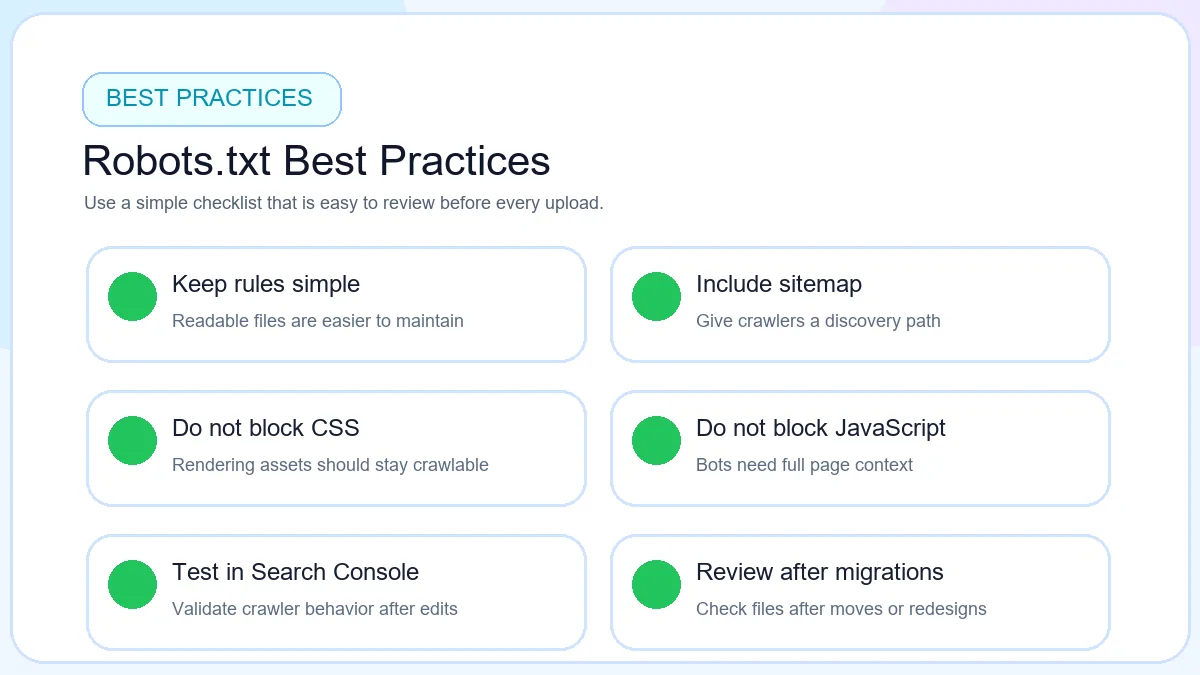
A good robots.txt audit is short but disciplined. Check the live file, verify that important pages remain crawlable, confirm that CSS and JavaScript are accessible, review the sitemap URL, and test major sections after publishing any change.
Robots.txt Audit Checklist
Robots.txt audit checklist for checking the file before and after publishing.
Homepage crawlable
Confirm the main domain and priority sections are not blocked by broad rules.
Important pages crawlable
Review service, category, product, article, or landing page folders carefully.
CSS allowed
Keep rendering assets open unless there is a very specific technical reason to limit them.
JavaScript allowed
Check script folders that power layout, navigation, or content rendering.
Sitemap included
Add a live sitemap URL so crawlers can discover key URLs more efficiently.
No accidental sitewide block
Check for Disallow: / and other overly broad rules before publishing.
Real Robots.txt Mistake Examples
Case study 1: Blocked CSS. A site blocked its style directory during a cleanup. Pages still loaded for visitors, but search engines saw incomplete rendering and rankings softened after layout interpretation became less reliable.
Case study 2: Missing sitemap. A growing content site published new articles every week but never referenced the sitemap in robots.txt. Discovery still happened, but new URLs took longer to surface consistently after publication.
Case study 3: Disallow: /. A staging block was pushed to production during deployment. Crawlers were told to avoid the whole site until the error was noticed and corrected.
How To Audit Your Robots.txt File
Open robots.txt: load the live /robots.txt URL in the browser and verify it is the current version.
Check important pages: compare blocked folders against the sections that actually drive traffic and conversions.
Review blocked folders: confirm that each disallowed path is still low value and still exists.
Verify sitemap URL: make sure the sitemap line points to a live file, not an old or staging location.
Test rules: use your webmaster tools and spot-check key URLs before finalizing changes.
If you want the broader crawl strategy context too, read How to Create a Robots.txt File for SEO for the tutorial workflow and Robots.txt vs Sitemap for the comparison angle. This page stays focused on troubleshooting and fixing real-world bad robots.txt examples.
FAQ
Frequently Asked Questions
What are common robots.txt mistakes?
Common robots.txt mistakes include blocking important pages, blocking assets, publishing the wrong user-agent block, forgetting the sitemap URL, and leaving old rules active after site changes.
Can robots.txt hurt SEO?
Yes. Poor rules can slow crawling, reduce rendering clarity, and stop important pages from being discovered efficiently.
Does blocking CSS affect rankings?
It can affect rendering quality, which makes it harder for search engines to understand the real layout and experience of a page.
Can robots.txt block Google?
Yes. Googlebot follows robots.txt instructions for compliant crawling, so a bad rule can block critical site sections.
What happens if I use Disallow: / ?
That rule tells compliant crawlers to avoid the whole site, which is why it should never stay on a live production website accidentally.
How often should robots.txt be reviewed?
Review it after migrations, design changes, CMS updates, and scheduled technical SEO audits.
Can syntax errors break robots.txt?
Yes. Typos, broken sitemap lines, and badly formatted directives can create confusing instructions or weaken rule logic.
Should I include sitemap URL?
Yes. It gives crawlers a direct path to the sitemap and helps support cleaner URL discovery.
Can robots.txt stop indexing?
Not fully. It controls crawling, but URLs can still appear in results if search engines discover them elsewhere.
How do I test robots.txt?
Open the live file, review the syntax manually, and test important URLs with your webmaster tools before publishing changes broadly.
Free tool
Check Your Robots.txt File Today
Use the free ToolsLuv Robots.txt Generator to create cleaner crawler rules and avoid common SEO mistakes.